
Docker for Beginners: Essential Commands to Work Better (Without Going Crazy)#
Docker allows you to run applications in containers: isolated and reproducible environments, perfect for avoiding the classic phrase “it works on my machine”.
Below you will find a practical list (cheatsheet style) of the most useful commands, along with a real mini workflow to get started immediately.
1. Images#
docker pull nginx:latest - downloads an image from Docker Hub
docker images - lists local images
docker rmi nginx:latest - removes an image
docker image prune - deletes unused images (use with caution)
2. Containers: Start, Stop, Inspect#
docker run hello-world - runs a test container
docker ps - shows active containers
docker ps -a - shows all containers (including stopped ones)
docker stop <container> - stops a container
docker start <container> - restarts an already created container
docker rm <container> - deletes a container
3. Run “Properly”: Ports, Name, Background#
docker run -d --name web -p 8080:80 nginx:latest - starts Nginx in the background and maps port 8080 → 80
-d= detached (background)--name= name more convenient than the ID-p host:container= port mapping
4. Logs and Quick Debug#
docker logs web - shows logs
docker logs -f web - follows logs in real-time
docker exec -it web /bin/sh - enters the container (shell)
Tip: on some images
/bin/bashis needed, but often in Alpine there is onlysh.
5. Copying Files From/To Containers#
docker cp web:/etc/nginx/nginx.conf ./nginx.conf - copies from the container to your PC
docker cp ./index.html web:/usr/share/nginx/html/index.html - copies from your PC to the container
6. Volumes: Data Persistence (Crucial)#
Without volumes, the data in the container is “temporary”. With volumes, you make it persistent.
docker volume ls - lists volumes
docker volume create mydata - creates a volume
docker run -d --name db -e POSTGRES_PASSWORD=pass -v mydata:/var/lib/postgresql/data postgres:16 - Postgres with persistent data
docker volume rm mydata - deletes a volume (warning: you lose the data)
7. Network: Making Containers Talk to Each Other#
docker network ls - lists networks
docker network create app-net - creates a network
docker run -d --name db --network app-net -e POSTGRES_PASSWORD=pass postgres:16 - DB in the network
docker run -d --name api --network app-net my-api:latest - API in the same network
This way api can reach db using the name db as the hostname.
8. Cleanup: Freeing up Space Without Doing Damage#
docker system df - shows how much space images/containers/volumes are using
docker container prune - deletes stopped containers
docker image prune - deletes dangling images
docker system prune - more aggressive cleanup (read carefully what it removes)
9. Build: Creating Your Image#
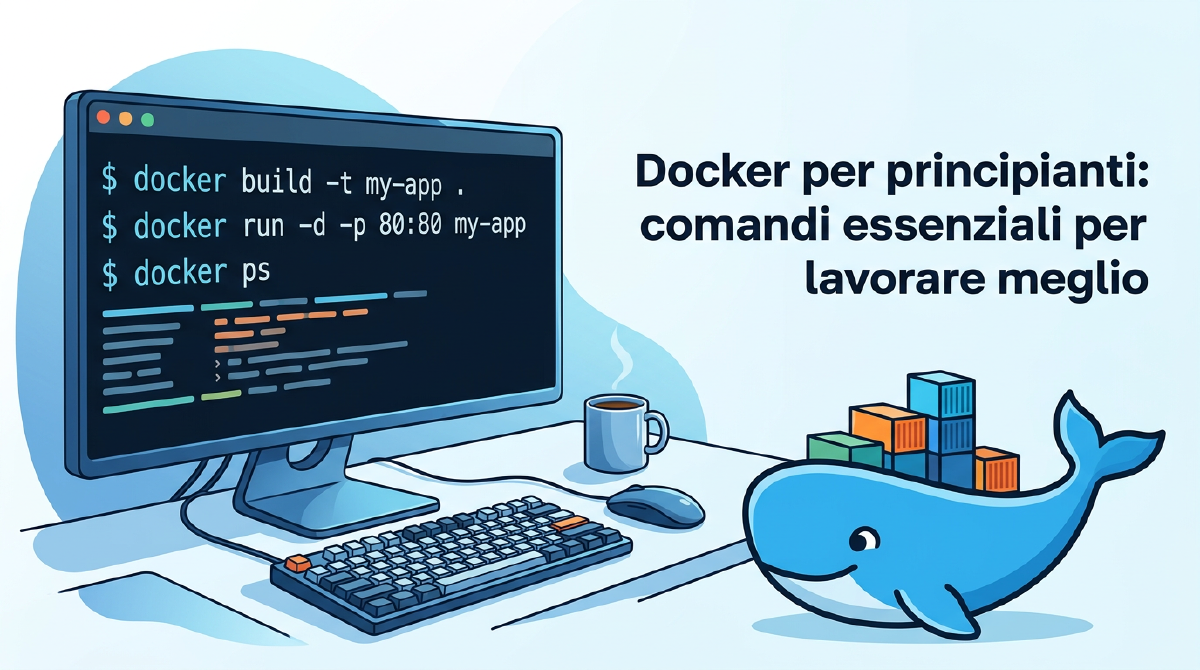
docker build -t myapp:1.0 . - builds the image from the Dockerfile in the current directory
docker run -p 3000:3000 myapp:1.0 - starts the newly created image
10. Real Mini Workflow (Copyable): API + DB with Docker Compose#
Example docker-compose.yml (Postgres + pgAdmin):
services:
  db:
    image: postgres:16
    environment:
      POSTGRES_PASSWORD: pass
      POSTGRES_USER: user
      POSTGRES_DB: appdb
    ports:
      - "5432:5432"
    volumes:
      - dbdata:/var/lib/postgresql/data

  pgadmin:
    image: dpage/pgadmin4
    environment:
      PGADMIN_DEFAULT_EMAIL: [email protected]
      PGADMIN_DEFAULT_PASSWORD: pass
    ports:
      - "5050:80"
    depends_on:
      - db

volumes:
  dbdata:
Commands:
docker compose up -d - starts everything in the background
docker compose ps - status of the services
docker compose logs -f - real-time logs
docker compose down - stops and removes containers (volumes remain)
Bonus: 5 Concepts that Explain Docker in 30 Seconds#
- Image = application “template” (immutable)
- Container = running instance of an image
- Volume = persistent space for data
- Network = virtual network for communication between containers
- Compose = simple way to manage multiple containers together
Learn 2-3 commands a week and you’ll see that Docker will stop seeming like “black magic”.