
VS Code Keyboard Shortcuts to Code at the Speed of Light#
Visual Studio Code is the most popular editor in the world, and knowing its shortcuts can double your coding speed. Here are the most useful ones!
1. Basic Editing#
Ctrl + C / Ctrl + X - copy or cut the entire line (without selection)
Alt + ↑ / ↓ - move the current line up or down
Shift + Alt + ↑ / ↓ - duplicate the current line up or down
Ctrl + Enter - insert a line below
Ctrl + Shift + Enter - insert a line above
Ctrl + / - comment / uncomment line
Alt + Click - add multiple cursors (multicursor)
Ctrl + D - select the next occurrence of the current word
2. Navigation#
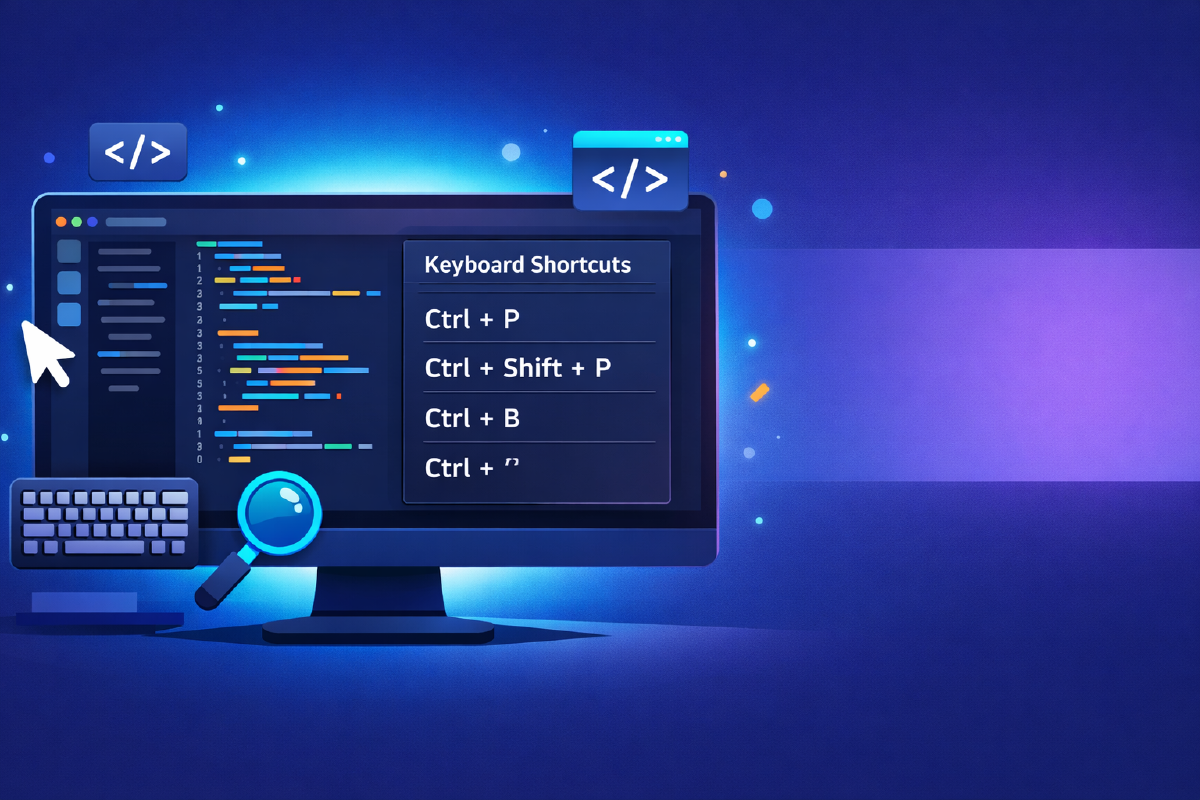
Ctrl + P - go to file (quick search by name)
Ctrl + G - go to line number…
Ctrl + Shift + O - go to symbol (function, class, variables) within the file
F12 - go to definition
Alt + F12 - peek definition (without opening the file)
Ctrl + Home / End - go to start / end of file
3. Window and View Management#
Ctrl + B - toggle sidebar
Ctrl + \ - split editor view
Ctrl + 1, 2, 3 - switch to editor group 1, 2, or 3
Ctrl + Shift + E - show explorer (files)
Ctrl + Shift + F - search across all files
Ctrl + (backtick) - toggle integrated terminal
4. Commands and Refactoring#
Ctrl + Shift + P - Command Palette (run any VS Code command)
F2 - rename symbol (variable, function) across the project
Ctrl + . - Quick Fix (suggestions for errors or missing imports)
Shift + Alt + F - format document
Bonus: Zen Mode#
Ctrl + K Z - toggle Zen Mode to focus only on code
Learn 2-3 of these shortcuts a week and watch your productivity soar!